The GIF keyboard for your Mac's menu bar
Press ⌃⌥G anywhere. Search everything. Drag the perfect GIF straight into Messages, Slack, or Mail before the moment passes.
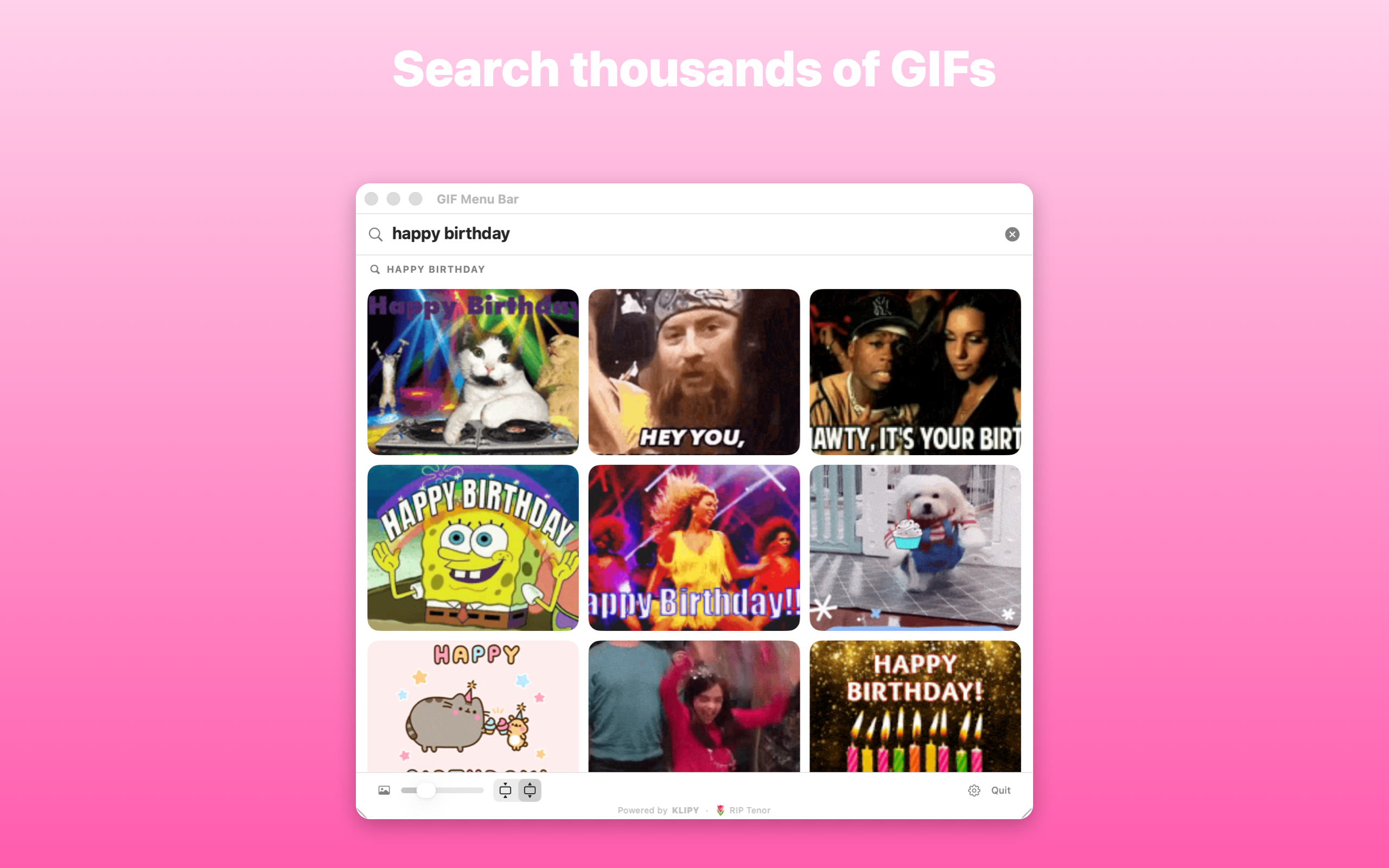
Press ⌃⌥G anywhere. Search everything. Drag the perfect GIF straight into Messages, Slack, or Mail before the moment passes.
For a decade, one little app taught Macs to speak fluent reaction GIF. Then its API went to a server farm upstate. We missed it too much to move on, so we built the sequel it deserved: faster, native, and still one keystroke away.
Tenor GIF Keyboard · 2011 to 2026 · Forever in our menu bars
No browser tabs, no “let me find it real quick,” no shame in your GIF game.
⌃⌥G summons the picker over whatever you're doing. Your GIF arrives while the joke is still funny.
Pull a GIF straight into Messages, Slack, Mail, Notes, or Discord. If it accepts images, it accepts vibes.
Heart the classics. Your go-to reactions live one tab away, ready for their encore.
Pure Swift, built for Apple Silicon. No Electron, no web wrapper, no fan noise. Your battery sends its thanks.
The internet's current mood, straight from KLIPY, the GIF platform built by ex-Tenor engineers.
Resize the panel, scale thumbnails, fit or fill, menu bar or Dock, launch at login. Your call.
From any app. The picker pops up right where you are.
Search live as you type, or raid Trending and your Favorites.
Drop it into the chat. Collect your laughs. Repeat forever.
Google retired Tenor's public API in 2026, and the classic Mac app went with it. GIF Menu Bar is an independent, native replacement built to keep the workflow alive: same one-keystroke magic, modern insides.
Yes. Free on the Mac App Store. Like the best reaction GIFs, it costs nothing.
Press ⌃⌥G (Control-Option-G) from any app, or click the little cursive G in your menu bar.
100% native Swift, built for Apple Silicon. No Rosetta, no Electron. It opens fast and sips battery.
Search, trending, and all the good stuff are powered by KLIPY, the GIF platform founded by ex-Tenor engineers. The lineage continues.